
Tutorial•2m
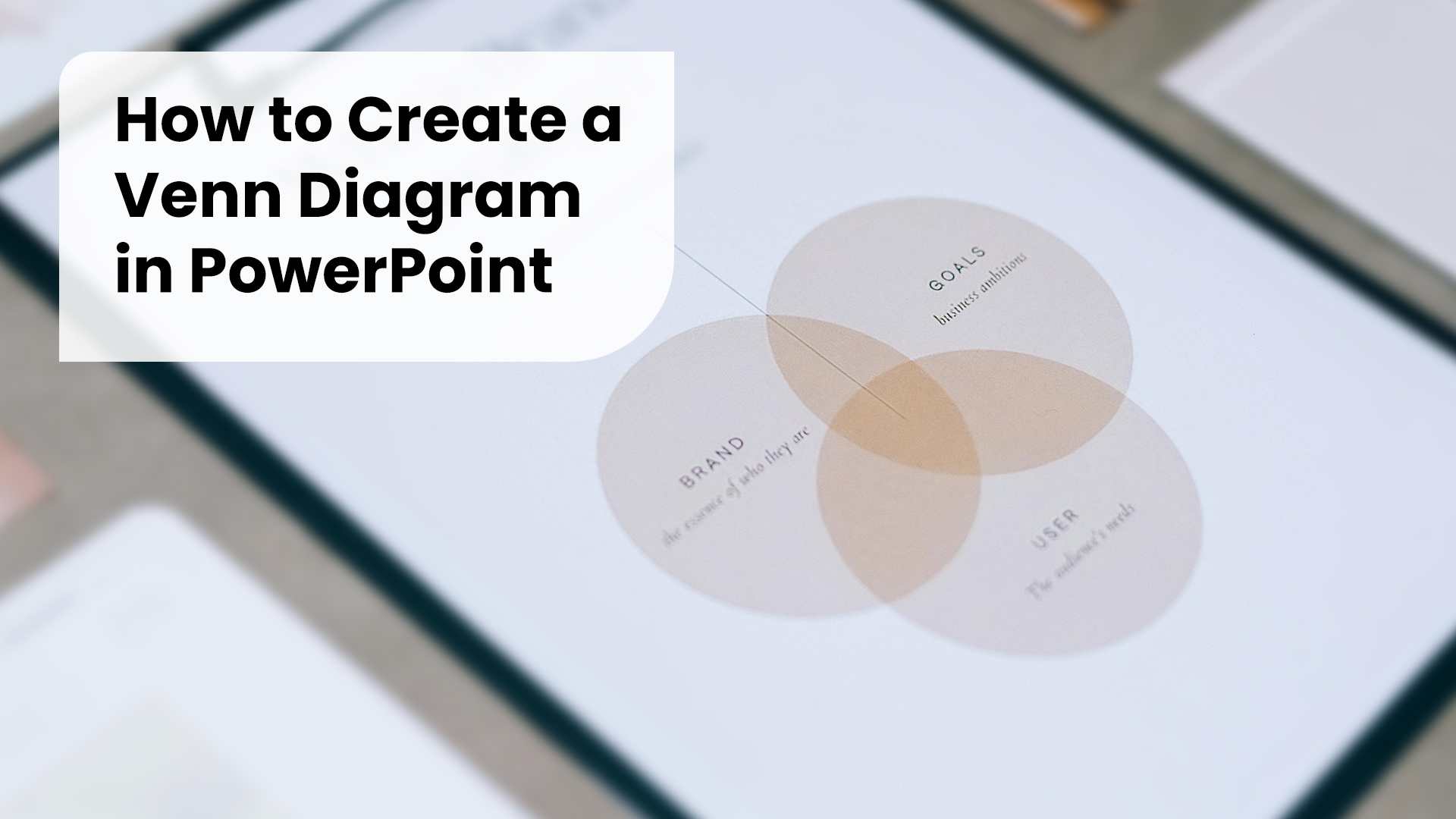
How to Create a Venn Diagram in PowerPoint
Learn how to quickly create a Venn diagram in PowerPoint. Step-by-step tutorial with tips to customize colors, text, and design for professional presentations.
<p>Welcome to <strong>Tutorials</strong> — here we share step-by-step guides to help you design better presentations. From mastering PowerPoint and Google Slides to exploring Keynote tricks, our tutorials make it simple to create slides that impress.</p> <p>Each tutorial is practical and easy to follow, whether you’re new to presentation design or looking to refine your skills. Learn how to structure slides, choose the right colors, and present ideas with confidence.</p>

Build a high-performance, multi-tenant SaaS dashboard in Next.js 16. Master App Router route grouping, React 19 Server Components, and Tailwind SCSS tokens.
 Appiqa Editorial Team•Oct 13, 2026
Learn how to quickly create a Venn diagram in PowerPoint. Step-by-step tutorial with tips to customize colors, text, and design for professional presentations.
PowerPoint is an incredibly powerful tool for creating presentations, but h ve you ever found yourself constantly adjusting fonts, colors, and layouts for every new slide? It’s frustrating and time-consuming, right?
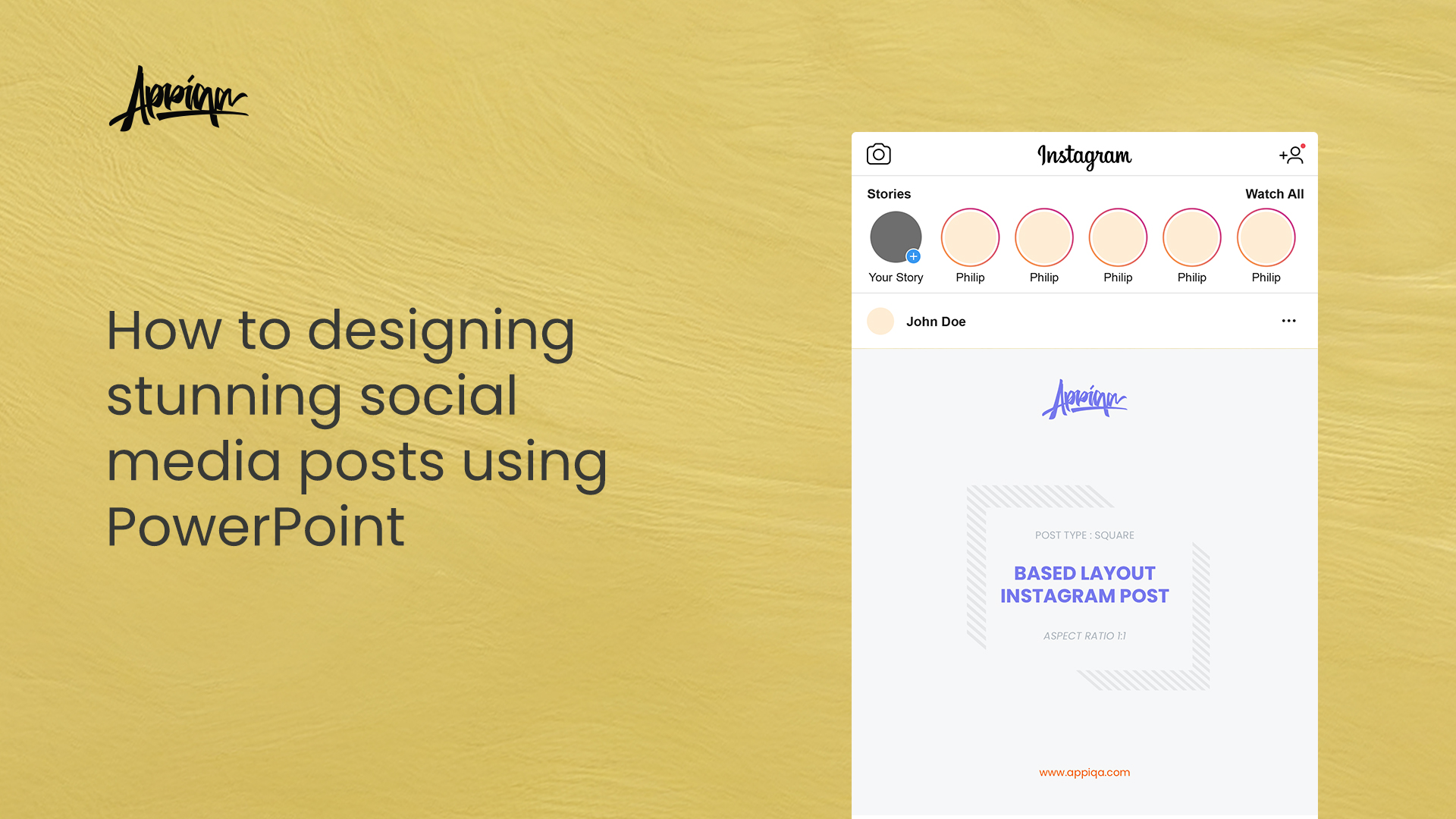
Guide to designing stunning social media posts using PowerPoint. Learn the ideal image sizes and aspect ratios in for platforms like Instagram, TikTok, Pinterest, and LinkedIn to enhance your online presence and engagement.
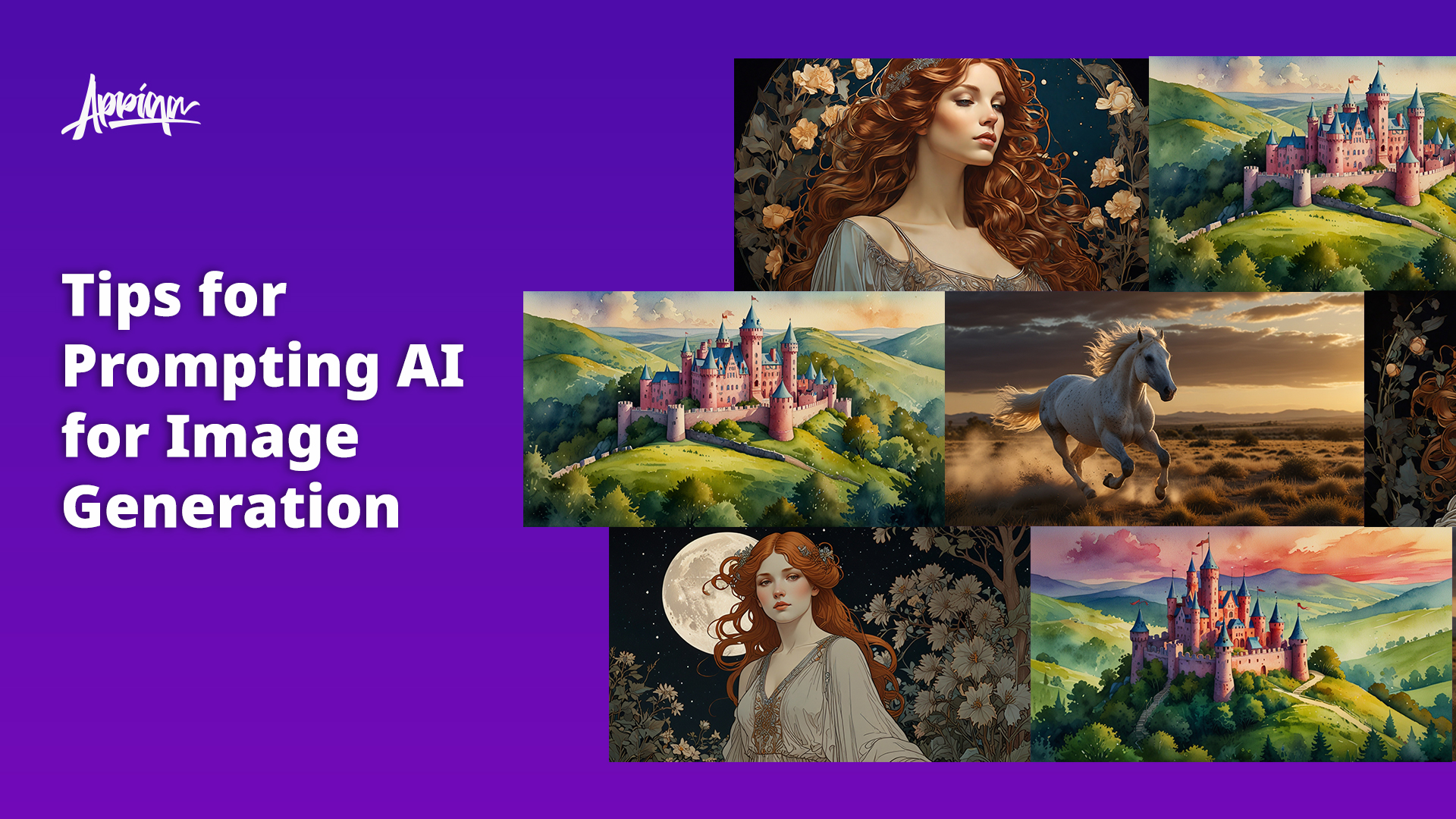
Discover the ultimate guide to prompting AI for image generation. Learn how to craft effective prompts by understanding key elements such as subject, medium, environment, lighting, color, mood, and composition. Explore the significance of seed values, CFG scale, and the role of steps and tokens in generating stunning AI art.