
The Token Cost of Blank Canvas Coding: Why Prompting UI from Scratch Burns Your API Budget
Generating full-page web applications from a blank prompt seems magical until the API bill arrives and LLM hallucinations begin. Here is the mathematical reality of token economics in vibe coding.

The Hidden Cost of the "Blank Canvas" Prompt#
When developers first experience modern AI coding agents like Cursor, Claude Code, or Windsurf, the immediate instinct is to write a sweeping prompt:
"Build me a modern SaaS billing dashboard in Next.js with team member invitations, invoice history tables, Stripe webhook handlers, and responsive dark mode."
It feels empowering. Within 90 seconds, the agent streams out hundreds of lines of code. But if you monitor your LLM context token usage and inspect the resulting repository, two painful realities immediately emerge:
- Context Window Inflation: A single comprehensive prompt generates 400–800 lines of component code, consuming 15,000 to 45,000 output & reasoning tokens across multi-turn iterations.
- The Prompt-Fixing Spiral: The generated code will invariably miss subtle CSS edge cases, break responsive mobile layouts, or invent hallucinated ORM method calls. Fixing these through additional prompts forces the agent to re-read and re-stream entire file trees, burning hundreds of thousands of tokens per hour.
In this deep dive, we break down the mathematical economics of token usage in vibe coding, why "blank canvas" prompting destroys your development budget, and how starting with pre-built, modular Next.js architecture saves over 80% of your AI token spend.
The Math Behind Token Burn: From Scratch vs. Template-First#
Let's compare the actual token consumption of building a single production-ready dashboard feature — an Invoice Data Table with Filter Tabs and Status Badges — using two different workflows:
Workflow A: Blank Canvas Prompting (From Scratch)#
| Step | Action Taken | Context Read Tokens | Output & Diff Tokens | Cost Estimate (Claude 3.7 / GPT-4o) |
|---|---|---|---|---|
| Step 1 | Prompt agent to build table, pagination, status pills, and date formatting from zero | ~4,000 | ~3,200 | $0.06 |
| Step 2 | Fix broken Tailwind dark mode colors and missing responsive overflow container | ~7,200 | ~2,800 | $0.07 |
| Step 3 | Fix pagination state bug where clicking page 2 resets search filter query | ~10,000 | ~2,500 | $0.08 |
| Step 4 | Refactor monolithic 450-line file into modular components for maintainability | ~14,500 | ~4,200 | $0.12 |
| Total | 4 Iterations to achieve basic production standard | ~35,700 | ~12,700 | ~$0.33 per single component |
Now multiply that $0.33 across 40+ views, navigation bars, modals, settings forms, and authentication screens required for a minimal viable SaaS product. A solo founder easily burns $80 to $200+ in API credits or blows through their monthly Cursor / Claude Code fast-request quotas in less than a week — all before launching their first feature.
Workflow B: Template-First Diff Editing#
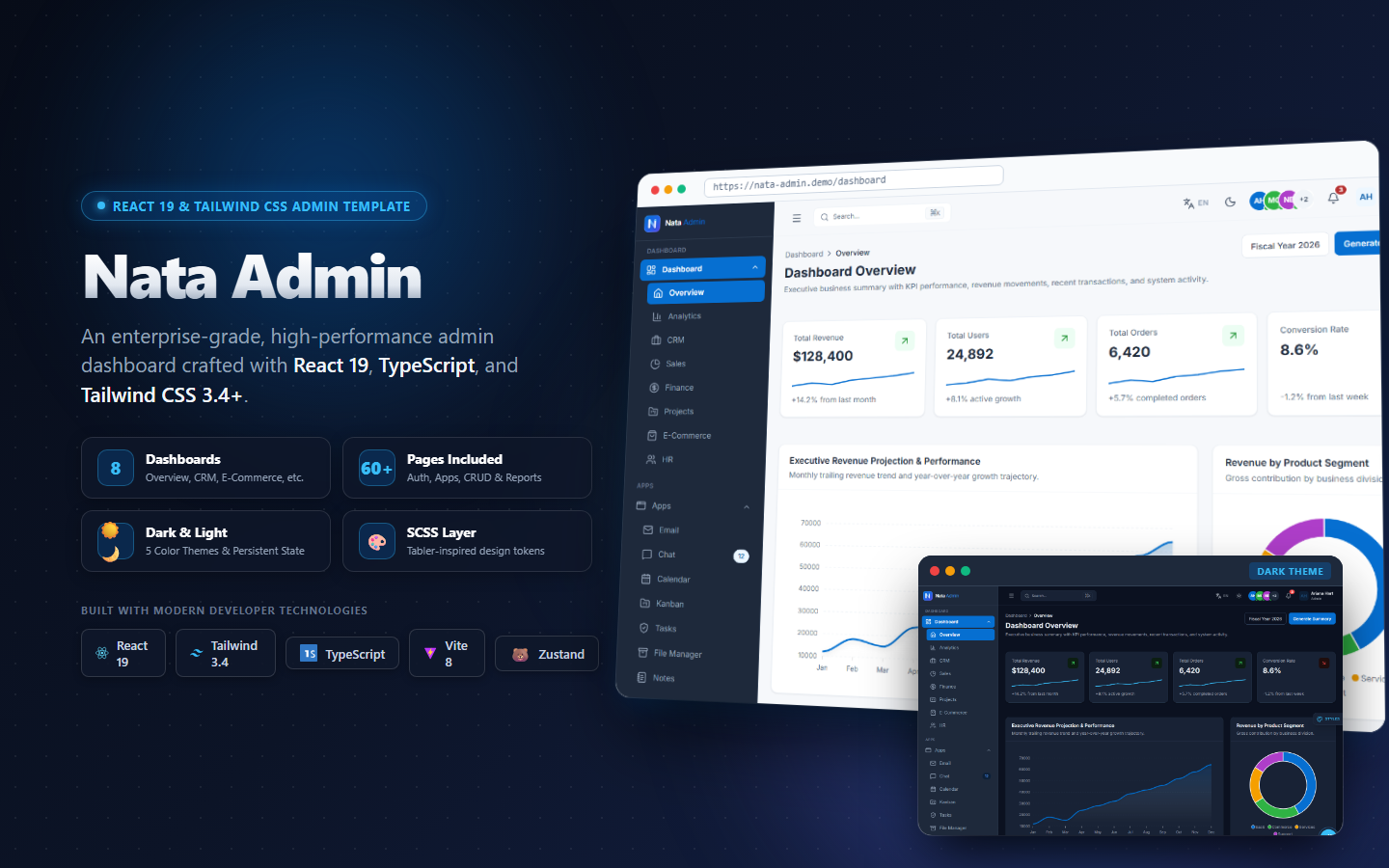
Now examine what happens when the exact same developer starts with a structured template like Nata Admin Next.js or Bluprin Wireframe Kit:
// Pre-structured component with clean types:
import { AppCard } from '@/components/ui/AppCard'
import { AppBadge } from '@/components/ui/AppBadge'
import { AppTablePagination } from '@/components/ui/AppTablePagination'

interface InvoiceRowProps {
  id: string
  invoiceNumber: string
  customerName: string
  amountCents: number
  status: 'paid' | 'pending' | 'failed'
}
Because the component boundaries, Tailwind SCSS tokens, and TypeScript interfaces already exist:
- The AI agent only needs to read a 15-line interface definition, not infer an entire design system.
- The user's prompt is surgical: "Connect this InvoiceTable component to our Drizzle ORM query in server action
getInvoices()." - The diff is under 30 lines of code.
| Metric | Blank Canvas Prompting | Template-First Architecture | Savings |
|---|---|---|---|
| Average Prompt Tokens | ~12,500 tokens / prompt | ~1,800 tokens / prompt | 85.6% reduction |
| Output Token Churn | ~3,500 tokens / prompt | ~400 tokens / prompt | 88.5% reduction |
| Hallucination Rate | High (invented CSS classes, broken types) | Near Zero (grounded in existing types) | Drastic UX improvement |
| Time to Working Prototype | 4.5 hours of prompt-debugging | 15 minutes of surgical wiring | 18x Faster |
Why LLMs Degrade on Large Front-End Codebases#
Why does the "blank canvas" approach fail so consistently? The root cause lies in Attention Degradation within the LLM Context Window:
1. The "Lost in the Middle" Effect#
As the context window fills with hundreds of lines of UI markup, the model's self-attention mechanisms distribute probability weights across too many tokens. Subtle CSS constraints — like overflow-x-auto on mobile tables or sticky top-0 table headers — get deprioritized in favor of generating the broader JSX tree.
2. Lack of Grounding Design Tokens#
When you prompt from scratch, the AI does not know your brand's semantic token hierarchy. It guesses color values:
// Anti-pattern: Hallucinated inconsistent colors generated by blank prompts
<div className="bg-[#1e293b] text-slate-100 hover:bg-[#334155] border border-gray-700">
Two hours later in another file, the AI generates:
// Anti-pattern: Inconsistent secondary styling
<div className="bg-zinc-900 text-neutral-100 hover:bg-zinc-800 border border-zinc-700">
You end up with a fragmented Frankenstein UI that requires hours of manual code reviews to normalize.
The Rule of Vibe Coding: "Never Prompt What You Can Scaffold"#
The most effective vibe coders and senior engineers do not use AI to invent architecture; they use AI to wire and adapt pre-tested foundations:
💡 Architectural Principle: Treat AI agents like surgical interns, not senior systems architects. Give them a battle-tested blueprint with strict boundaries, and they will execute with 99% accuracy. Ask them to invent the hospital from scratch, and the ceiling will collapse.
Recommended Solution: Ground Your AI with Pre-Built Blueprints#
If you want your vibe coding sessions to produce clean, shippable software without burning your monthly token budget, start with architectural foundations designed specifically for AI workflows:
🚀 Built for Next.js 16 & AI-Assisted Vibe Coding
Explore Bluprin Desktop Web Wireframe Kit and Nata Admin Next.js — engineered with modular TypeScript interfaces, zero bloat, and unified SCSS design tokens so Cursor, Windsurf, and Claude Code can make surgical edits without hallucinating.
Downloadable Utility Upgrade#
Download our free AI Token Budget Calculator & Cost Estimation Sheet (Spreadsheet) to project your team's token expenditure across upcoming feature sprints!