
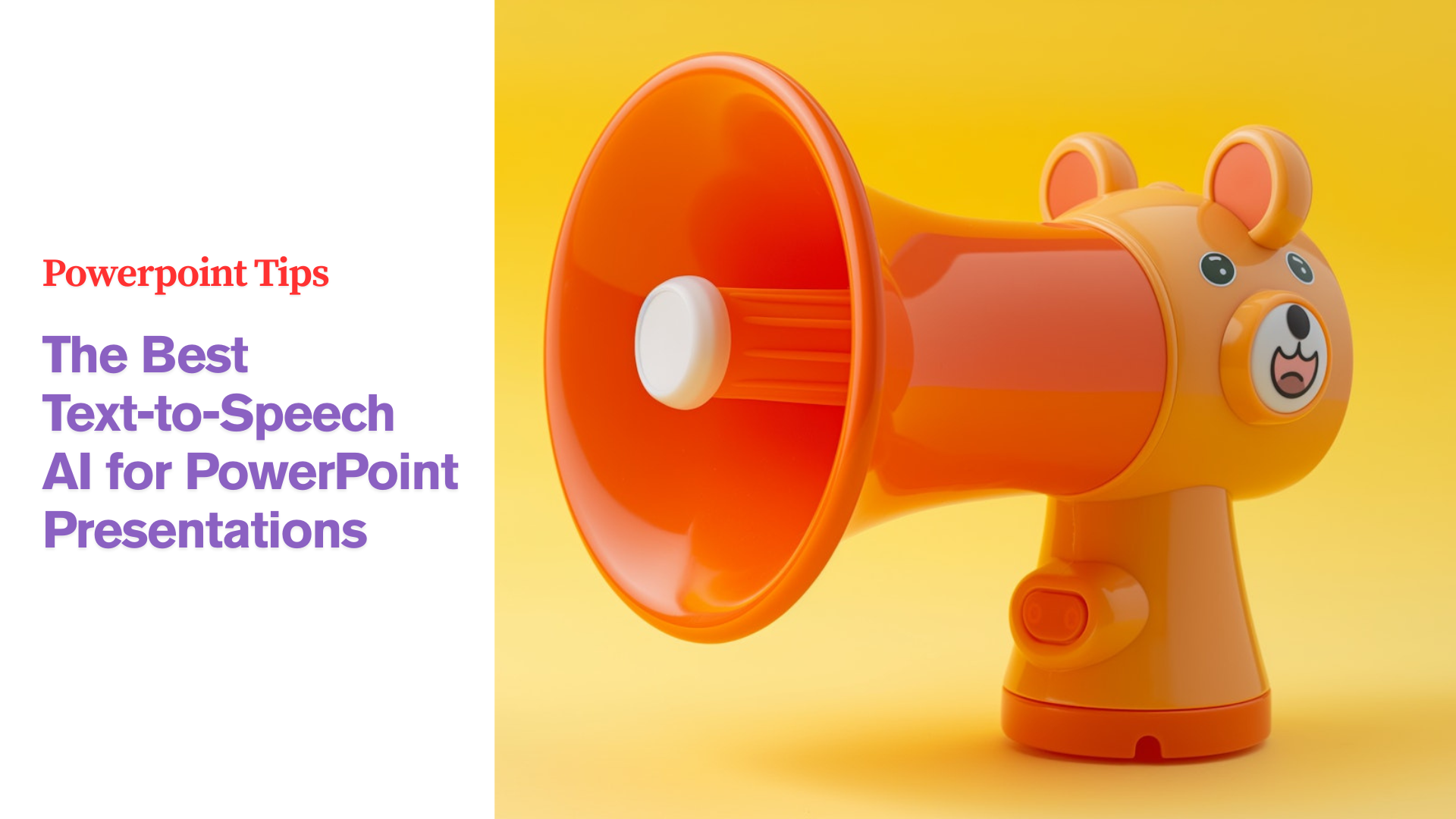
The Best Text-to-Speech AI for PowerPoint Presentations
Discover the best text-to-speech AI for PowerPoint presentations. Create pro voiceovers in seconds and learn how to embed audio easily.
Text-to-speech (TTS) AI is software that converts written text into natural-sounding neural voice audio, letting you add professional narration to PowerPoint slides without recording your own voice. This guide covers the best TTS tools available today, how to compare them, and the exact steps to embed audio into PowerPoint 365 on Windows and macOS.
Adding voiceovers to PowerPoint presentations instantly boosts engagement and helps deliver your message with more clarity. But recording your own voice isn't always practical — maybe you're not confident on mic, or you need to scale audio across dozens of slides fast. That's where AI voice technology steps in.
What Is Text-to-Speech AI for PowerPoint?#
Text-to-speech AI is a neural network model that transforms written text into human-like audio, which PowerPoint can then play as an embedded media file. Unlike older robotic TTS engines, modern neural voices reproduce intonation, pauses, and emotion — making them suitable for e-learning modules, product demos, and marketing decks.
How Neural TTS Works#
Modern TTS pipelines run in three stages:
| STAGE | FUNCTION | OUTPUT |
|---|---|---|
| Text normalization | Expands numbers, dates, acronyms | Clean readable string |
| Acoustic modeling | Predicts prosody, pitch, timing | Mel-spectrogram |
| Vocoder | Converts spectrogram to waveform | MP3 / WAV audio |
Models like ElevenLabs' Flash v2.5 and Azure Neural TTS use diffusion-based vocoders, which is why they sound expressive rather than concatenative.
Output Formats PowerPoint Supports#
PowerPoint 365 accepts the following audio containers:
- MP3 — smallest file size, best for large decks
- WAV (16-bit PCM, 44.1 kHz) — highest fidelity, larger files
- M4A / AAC — good balance, native on macOS
Tip: Export at 44.1 kHz / 128 kbps MP3 to keep a 50-slide deck under 100 MB.
Why Use Text-to-Speech AI in PowerPoint?#
TTS AI saves hours of recording time, guarantees consistent tone across every slide, and improves accessibility for audiences with visual or reading impairments.
- Save time: No need to record, re-record, and edit your voice manually. A 20-slide deck that takes 90 minutes to narrate live takes under 5 minutes with TTS.
- Consistent tone: Critical when building templates or training decks that multiple teams will reuse.
- Accessibility: Supports WCAG 2.1 compliance — audio narration plus captions make decks usable for low-vision and non-native-speaking audiences.
- Multi-language scaling: One script can be rendered into 30+ languages without hiring voice actors.
- Rapid iteration: Edit the script, regenerate the audio, re-embed — no studio session required.
- Brand consistency: Choose a fixed voice so every deck in your library sounds like it comes from the same presenter.
Scalability for Templates and Training Decks#
When you ship a template pack, narration is often the last bottleneck. With a TTS API, you can batch-generate audio for an entire slide library programmatically — feed the speaker notes as input, receive MP3 files as output, and auto-embed them via the PowerPoint JavaScript API or python-pptx.
Accessibility and Compliance#
Under WCAG 2.1 Level AA, pre-recorded audio-only content must include a transcript. TTS output pairs naturally with auto-generated captions, since the source text already exists as a script.
7 Best Text-to-Speech AI Tools for PowerPoint#
ElevenLabs leads for realism and expressive delivery, while Azure AI Speech, Amazon Polly, and Google Cloud TTS win on enterprise pricing and API depth. The table below compares the seven strongest options.
| TOOL | BEST FOR | FREE TIER | STARTING PRICE | POWERPOINT FIT |
|---|---|---|---|---|
| ElevenLabs | Most natural voice, emotion | 10k chars/mo | $5/mo | Excellent — direct MP3 export |
| Azure AI Speech | Enterprise, 400+ voices | 500k chars/mo | Pay-as-you-go | Excellent — SSML support |
| Amazon Polly | AWS-native workflows | 5M chars/mo (12 mo) | $4 / 1M chars | Strong — Neural voices |
| Google Cloud TTS | WaveNet + Studio voices | 1M chars/mo | $4 / 1M chars | Strong — 380+ voices |
| Murf AI | Non-technical creators | 10 min trial | $19/mo | Good — built-in slide sync |
| Play.ht | Podcasts + long-form | 12.5k chars | $31/mo | Good — bulk export |
| Speechify | Personal use, dubbing | Limited | $139/yr | Fair — consumer focus |
1. ElevenLabs — Best Overall Voice Quality#
ElevenLabs produces the most human-like neural voices available, with emotion control and voice cloning in a simple web interface.
When it comes to realistic, human-like AI voice, ElevenLabs leads the pack. Voice quality is on another level —