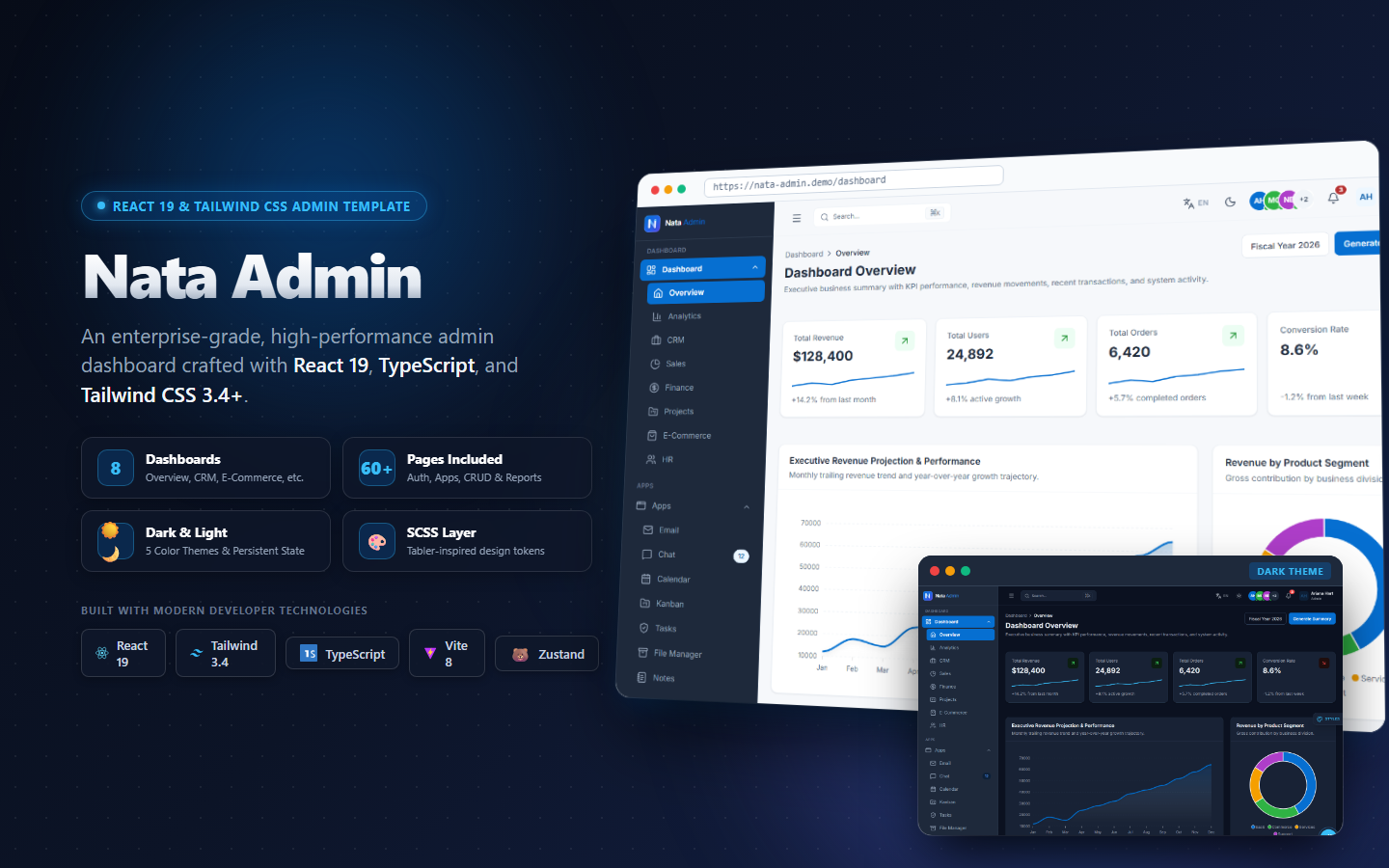

Managing Design Tokens and Dark Mode with Tailwind CSS v4 in FleetPilot — AI-Ready Fleet Management & Logistics Dashboard
Explain the importance of design tokens in scalable UI development and how Tailwind CSS v4 enhances this capability

Introduction to Tailwind CSS v4 and Design Tokens#
Design tokens are the building blocks of a scalable and consistent design system. They represent design decisions at the lowest level of abstraction, such as colors, typography, spacing, and more. By using design tokens, developers can maintain a single source of truth for design decisions, making it easier to update and maintain a design system.
Tailwind CSS v4 is a utility-first CSS framework that provides a set of pre-defined utility classes to build custom designs without having to write custom CSS. One of the key features of Tailwind CSS v4 is its support for CSS variables, which allows developers to manage design tokens more effectively.
What are Design Tokens?#
Design tokens are a way to represent design decisions in a structured and reusable format. They can include colors, typography, spacing, and other design elements. By using design tokens, developers can ensure that design decisions are consistent across a design system and can be easily updated and maintained.
Design tokens can be organized into categories, such as colors, typography, spacing, and more. Each category can contain multiple tokens, such as primary and secondary colors, heading and body typography, and small, medium, and large spacing units.
Tailwind CSS v4: A Game Changer#
Tailwind CSS v4 introduces several new features that enhance its support for design tokens. One of the key features is the ability to define and manage CSS variables directly within the Tailwind configuration file. This allows developers to define design tokens as CSS variables and use them throughout their project.
Another feature is the ability to use CSS variables in utility classes. This means that developers can leverage design tokens to create custom utility classes that can be used throughout their project.
Setting Up Tailwind CSS v4 for FleetPilot#
Installation and Configuration#
To get started with Tailwind CSS v4 in a React-based project, follow these steps:
- Install Tailwind CSS v4 and its dependencies using npm or yarn:
npm install -D tailwindcss@latest postcss@latest autoprefixer@latest
- Create a Tailwind configuration file:
npx tailwindcss init
- Configure Tailwind CSS v4 in your project by updating the
tailwind.config.jsfile:
module.exports = {
  purge: ['./src/**/*.{js,jsx,ts,tsx}', './public/index.html'],
  darkMode: 'class',
  theme: {
    extend: {
      colors: {
        primary: 'var(--color-primary)',
        secondary: 'var(--color-secondary)',
        // Add more design tokens as needed
      },
    },
  },
  variants: {
    extend: {},
  },
  plugins: [],
}
Defining Design Tokens#
To define design tokens in a Tailwind CSS v4 project, follow these steps:
- Create a CSS file to define your design tokens as CSS variables. For example, create a file named
design-tokens.css:
:root {
  --color-primary: #3b82f6;
  --color-secondary: #10b981;
  // Add more design tokens as needed
}

.dark {
  --color-primary: #60a5fa;
  --color-secondary: #34d399;
  // Add more dark mode design tokens as needed
}
- Import the
design-tokens.cssfile into your project. For example, in yourindex.jsfile:
import './design-tokens.css';
- Use the design tokens in your Tailwind CSS v4 project. For example, to use the primary color in a utility class:
<div class="bg-primary text-white p-4">
  This is a primary background with white text and padding.
</div>
Implementing Dark Mode in FleetPilot#
Configuring Dark Mode#
To configure dark mode in Tailwind CSS v4, follow these steps:
- Update the
tailwind.config.jsfile to enable dark mode:
module.exports = {
  // ...
  darkMode: 'class',
  // ...
}
- Add a dark mode toggle to your project. For example, in your
App.jsfile:
import { useState } from 'react';

function App() {
  const [darkMode, setDarkMode] = useState(false);

  const toggleDarkMode = () => {
    setDarkMode(!darkMode);
  };

  return (
    <div className={darkMode ? 'dark' : ''}>
      <button onClick={toggleDarkMode}>
        {darkMode ? 'Light Mode' : 'Dark Mode'}
      </button>
      {/* Add your project content here */}
    </div>
  );
}

export default App;
Using Design Tokens for Dark Mode#
To leverage design tokens for dark mode styles, follow these steps:
- Define dark mode design tokens in your
design-tokens.cssfile:
:root {
  --color-primary: #3b82f6;
  --color-secondary: #10b981;
  // Add more design tokens as needed
}

.dark {
  --color-primary: #60a5fa;
  --color-secondary: #34d399;
  // Add more dark mode design tokens as needed
}
- Use the dark mode design tokens in your Tailwind CSS v4 project. For example, to use the primary color in a utility class:
<div class="bg-primary text-white p-4 dark:bg-dark-primary dark:text-dark-white">
  This is a primary background with white text and padding.
</div>
Best Practices for Managing Design Tokens#
Organizing Tokens#
To organize design tokens effectively, follow these best practices:
- Group related tokens together. For example, group colors, typography, and spacing tokens separately.
- Use meaningful names for tokens. For example, use
primary-colorinstead ofcolor-1. - Document your design tokens. Provide clear descriptions and examples for each token.
Documenting Tokens#
To document design tokens effectively, follow these guidelines:
- Create a separate documentation file for your design tokens.
- Include clear descriptions and examples for each token.
- Update the documentation whenever you make changes to your design tokens.
Conclusion#
Managing design tokens and dark mode with Tailwind CSS v4 can significantly enhance the scalability and consistency of your design system. By following the best practices outlined in this guide, you can effectively manage design tokens and implement dark mode in your projects.
Next Steps#
To continue learning and implementing design tokens in your projects, explore the following resources: